
If you run a local business, your Google Business Profile (GBP) is probably the single most important piece of real estate you own online. It's the card that shows up when someone searches for "plumber near me" or "best coffee shop in [your city]." It's free, it's powerful, and most business owners barely scratch the surface of what it can do.
This guide walks you through exactly how to optimize your Google Business Profile so it works harder for you — bringing in more calls, more direction requests, and more customers through the door.
Why Google Business Profile Optimization Matters
Google Business Profile (formerly Google My Business) controls how your business appears in Google Search and Google Maps. When it's optimized properly, it can:
- Push you into the coveted "Local Map Pack" (the top 3 listings shown for local searches)
- Build instant trust through reviews, photos, and accurate information
- Give potential customers everything they need — hours, location, phone number — without them ever visiting your website
- Improve your local SEO rankings across the board
An outdated or incomplete profile does the opposite. It confuses customers and signals to Google that your business isn't very active or reliable.
Step 1: Claim and Verify Your Profile
Before anything else, make sure your business is actually claimed and verified on Google. Unverified listings rank poorly and can even be edited by other users.
To verify:
- Search for your business on Google or go to google.com/business
- Claim the listing if it already exists, or create a new one
- Complete Google's verification process (usually a postcard by mail, a phone call, or email, depending on your business type)
Skipping this step means you're leaving your business's Google presence unmanaged.
Step 2: Fill Out Every Single Field Completely
Google rewards completeness. A profile that's 100% filled out consistently outperforms a bare-bones one. Make sure you've added:
- Business name (exactly as it appears on your signage — no keyword stuffing)
- Address (accurate and matching your website and other listings)
- Phone number (local number preferred over toll-free)
- Website URL
- Business hours (including holiday hours — update these regularly)
- Business category (this is one of the biggest ranking factors — more on this below)
- Services or products offered
- A detailed business description
- Attributes (like "wheelchair accessible," "free Wi-Fi," or "women-led")
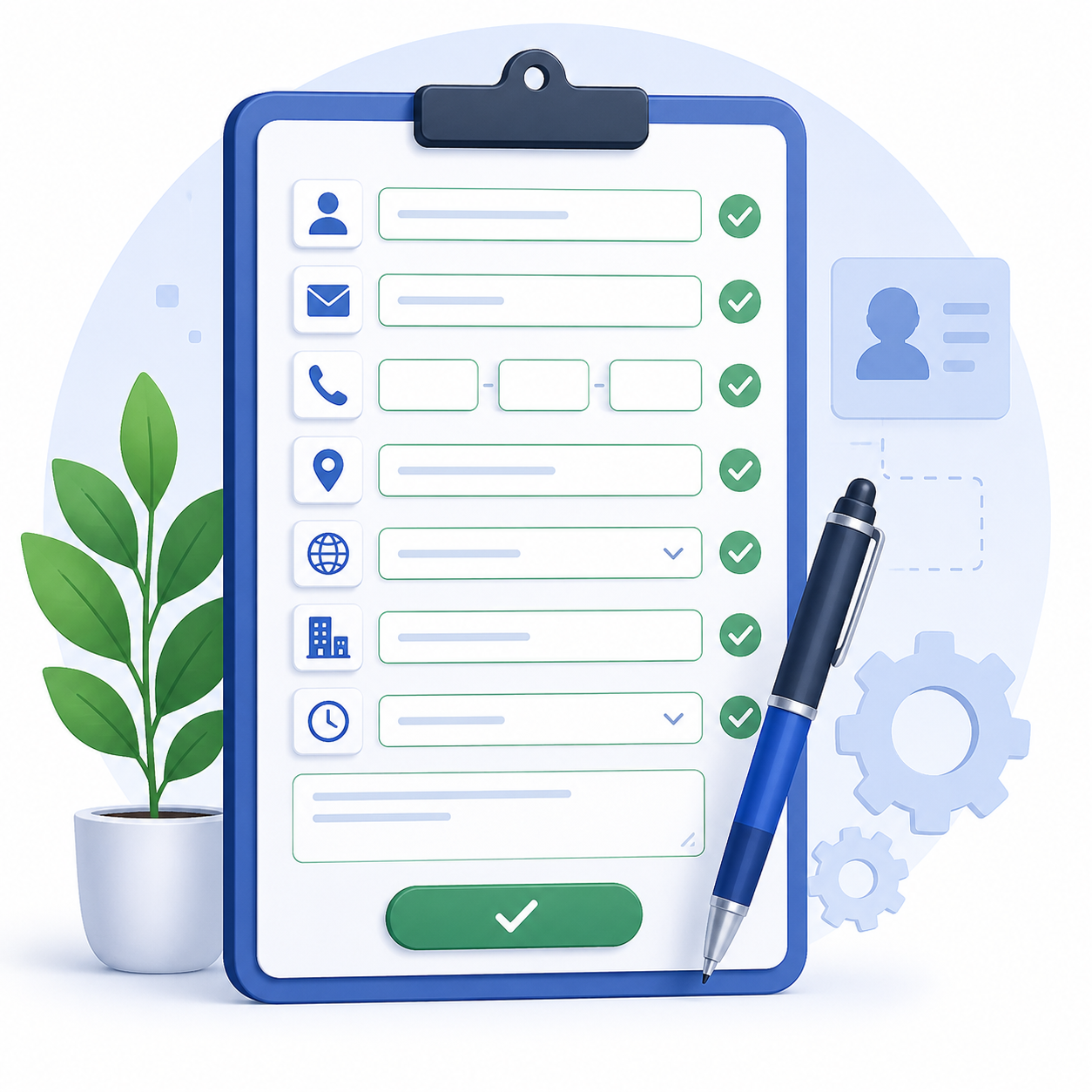
The goal is simple: leave no field blank if you can help it.
Step 3: Choose the Right Categories
Your primary category is one of the strongest signals Google uses to decide when to show your business. Pick the most specific and accurate category available — "Italian Restaurant" beats the generic "Restaurant" if that's genuinely what you are.
You can also add secondary categories to capture additional relevant searches. Just don't add categories that don't genuinely describe your business — irrelevant categories can hurt more than help.
Step 4: Add High-Quality Photos and Videos Regularly
Profiles with photos get significantly more clicks, calls, and direction requests than those without. Add:
- A clear, high-resolution logo
- A cover photo that represents your brand
- Interior and exterior shots of your location
- Photos of your team, products, or work in action
- Short videos showing your space or services

Update your photos regularly — a profile with fresh images every month signals to Google (and customers) that the business is active.
Step 5: Actively Collect and Respond to Reviews
Reviews are one of the strongest trust and ranking signals in local SEO. A steady stream of recent, positive reviews tells Google — and customers — that people are actively choosing and enjoying your business.
Best practices:
- Ask happy customers directly for a review (in person, via email, or a text follow-up)
- Make it easy by sharing your direct Google review link
- Respond to every review, positive or negative, professionally and promptly
- Never buy fake reviews — Google actively detects and penalizes this

A thoughtful response to a negative review often builds more trust with future customers than a five-star review alone.
Step 6: Use Google Posts to Stay Active
Google Posts let you share updates, offers, events, and news directly on your profile — similar to a social media post. Regular posting signals activity and gives potential customers a reason to choose you right now.
Post about:
- Current promotions or discounts
- New products or services
- Upcoming events
- Recent blog content or news
Aim to post at least once every week or two.
Answer Questions in the Q&A Section
The Questions & Answers section is public, and anyone can ask or answer — including people who've never used your business. Monitor it closely and:
- Answer common customer questions proactively before someone else does
- Seed a few frequently asked questions yourself (address hours, parking, payment methods, etc.)
- Keep answers accurate and up to date
Step 8: Keep NAP Consistency Everywhere
NAP stands for Name, Address, and Phone number. This information needs to match exactly across your Google Business Profile, your website, and every other directory (Yelp, Facebook, Bing Places, industry directories, etc.).
Inconsistent NAP data confuses Google's algorithm and can quietly hurt your local rankings, even if each individual listing looks fine on its own.
Step 9: Use Keywords Naturally in Your Business Description
Your business description is a great place to naturally include the terms customers actually search for — your services, your city, your neighborhood. Avoid keyword stuffing; write it the way you'd describe your business to a person, just make sure the important terms are in there.
Example: instead of "Best plumber plumbing services plumber Austin plumber," write something like: "We're a family-owned plumbing company serving Austin and the surrounding area, specializing in emergency repairs, water heater installation, and residential plumbing."
Step 10: Track Performance with Insights
Google Business Profile gives you built-in analytics showing how customers find and interact with your listing — including how many people called you, requested directions, visited your website, or viewed your photos.
Check these insights monthly to understand:
- Which search terms are bringing people to your profile
- Whether people found you through Search or Maps
- How your photo views and engagement trend over time
Use this data to double down on what's working and fix what isn't.
Common Google Business Profile Mistakes to Avoid
- Leaving the profile unclaimed or unverified
- Using a keyword-stuffed business name
- Inconsistent address or phone number across the web
- Ignoring reviews, especially negative ones
- Letting hours go out of date (especially around holidays)
- Uploading blurry or outdated photos
- Going months without a post or update
Final Thoughts
Optimizing your Google Business Profile isn't a one-time task — it's an ongoing part of your local marketing. The businesses that show up at the top of local search aren't necessarily the biggest; they're usually the ones who keep their profile complete, active, and genuinely engaging for customers.
Set aside 20–30 minutes a month to check your profile, respond to reviews, add new photos, and post an update. Over time, that small habit compounds into real visibility — and real customers.