
So you've decided your business needs a website. Maybe you've been putting it off for months because it sounds technical, expensive, or just... a lot. Good news: it's 2026, and building a business website is more approachable than ever, even if you've never touched a line of code.
This guide walks you through the entire process — from picking a domain name to launching a site that actually brings in customers. No jargon dumps, no fluff. Just the steps that matter.
Why Your Business Actually Needs a Website
Let's get the obvious out of the way first. A social media page is not a substitute for a real business website. Here's why:
- You own it. Platforms change their algorithms, ban accounts, or shut down. Your website is yours.
- It builds trust. Most people check a business website before they buy, book, or call. No site often reads as "not established."
- It works while you sleep. A well-built website answers questions, shows your work, and captures leads 24/7.
- It's the foundation for SEO. If you want to show up on Google when someone searches for what you do, you need a website to rank in the first place.

If you're still convinced this is a "someday" project, someday is costing you customers right now.
Step 1: Get Clear on What Your Website Needs to Do
Before you open any website builder, answer one question: what is this site actually for?
A restaurant website needs a menu, hours, and a reservation link. A consultant's website needs to build credibility and get people to book a call. An online store needs product pages and a smooth checkout. Don't copy a template blindly — figure out your site's job first.
Not down:
- Your main goal (sell products, generate leads, book appointments, share information)
- The 3–5 pages you truly need (Home, About, Services/Products, Contact, and maybe a Blog)
- What you want a visitor to do before they leave your site — this is your call to action
This step feels slow, but it saves you from rebuilding your site three months in.
Step 2: Choose a Domain Name People Can Actually Remember
Your domain name is your address on the internet, so don't overthink it into oblivion, but don't rush it either.
A few rules of thumb:
- Keep it short and easy to spell out loud
- Match it to your business name whenever possible
- Avoid hyphens and numbers — they're easy to mistype
- Go with a .com if it's available; it's still the most trusted extension
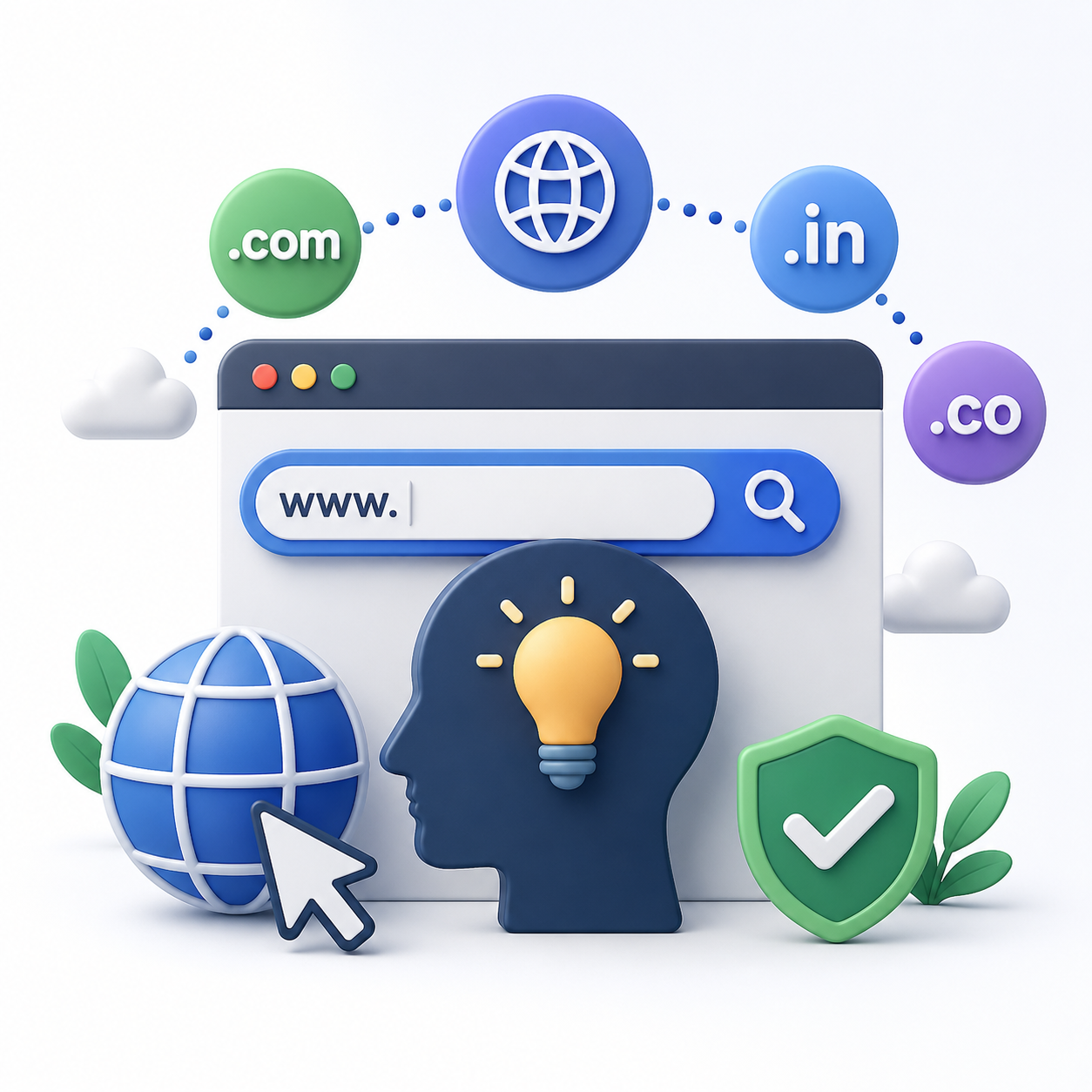
Domain registrars like Namecheap, GoDaddy, or Google Domains will let you check availability instantly and usually cost $10–$20 a year.
Step 3: Pick the Right Platform for Building Your Website
This is where a lot of people freeze up. Here's the honest breakdown:
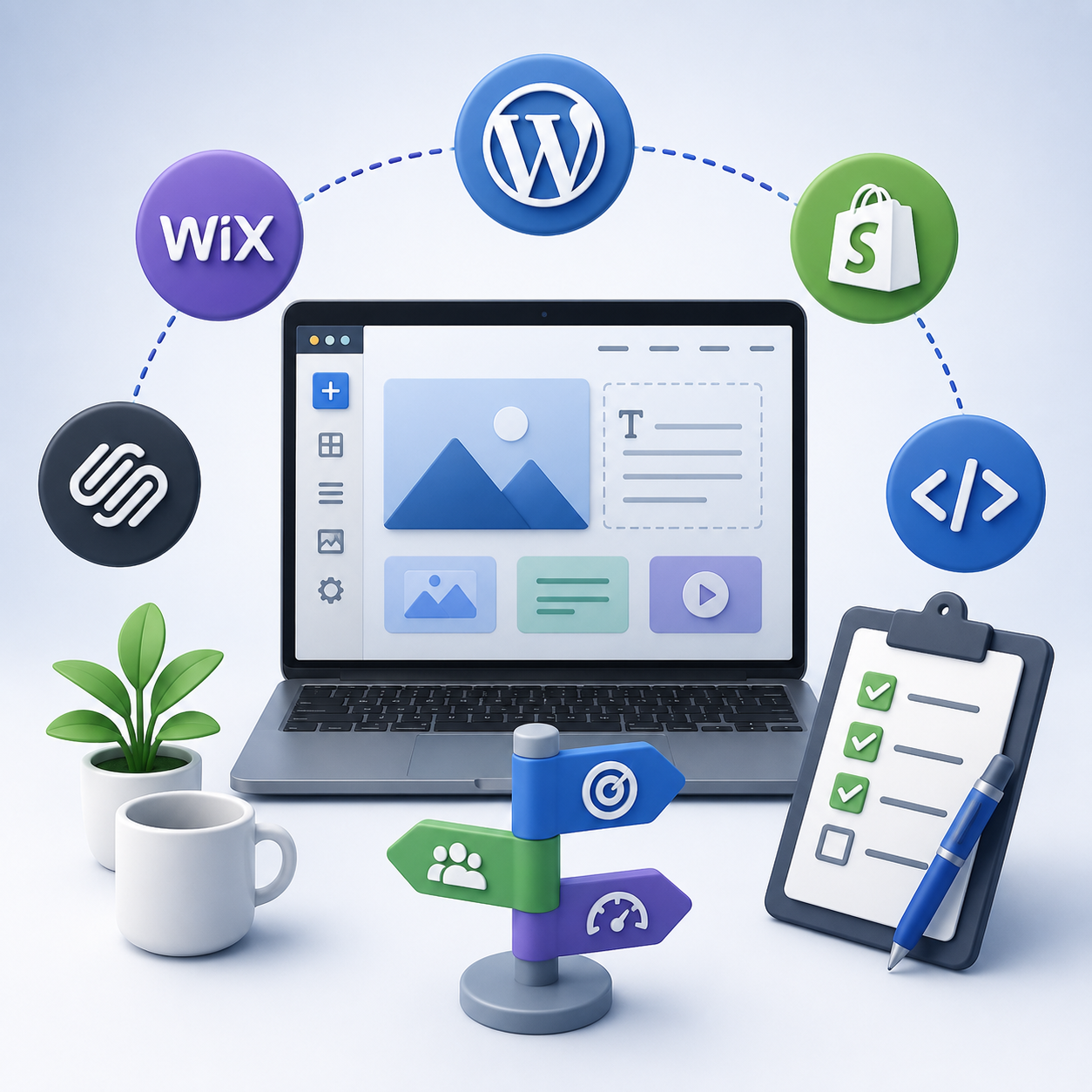
Website builders (Wix, Squarespace, Shopify)Best if you want something live fast without hiring a developer. Drag-and-drop editors, built-in hosting, decent templates. Shopify specifically if you're selling products.
WordPressMore flexible, more powerful, slightly steeper learning curve. Great if you plan to scale, blog heavily, or need custom functionality down the line. Runs a huge share of business websites worldwide for a reason.
Custom-built (developer or no-code tools like Webflow)Best when you need something specific — unusual layouts, complex booking systems, integrations with internal tools. More cost, more control.
If you're a small business just starting out, don't overthink this. A clean Squarespace or WordPress site beats a "perfect" website that never launches.
Step 4: Design With Your Visitor in Mind, Not Just Aesthetics
A pretty website that confuses visitors is still a bad website. Good business website design comes down to a few non-negotiables:
- Clear navigation. People should find what they want in one or two clicks.
- Fast load times. If your site takes more than a few seconds to load, visitors bounce — and Google notices too.
- Mobile-first layout. More than half of web traffic is mobile. If your site looks broken on a phone, you're losing customers before they even read your headline.
- Consistent branding. Same colors, same fonts, same tone across every page. It builds trust without visitors even realizing why.
- Obvious calls to action. "Contact Us," "Book Now," "Shop the Collection" — make it impossible to miss what you want people to do next.
Whitespace is your friend. Cramming every inch of a page with text and images makes visitors leave faster, not stay longer.
Step 5: Write Website Content That Sounds Like a Real Person
This is where most business websites fall apart — not the design, the words.
Skip the corporate-speak. Nobody wants to read "we leverage synergistic solutions to optimize your business outcomes." Say what you actually do, in plain language, the way you'd explain it to a friend.
A few content basics that double as SEO fundamentals:
- Use your target keywords naturally in your headings and page copy — don't force them in
- Keep paragraphs short and scannable; most visitors skim
- Write unique title tags and meta descriptions for every page
- Add alt text to your images (also helps accessibility, not just search engines)
- Keep your homepage focused on what you do, who it's for, and why you're different
- Add a blog if you can commit to it consistently — it's one of the best long-term ways to attract organic search traffic
Google rewards websites that genuinely answer people's questions. Write for the person reading it first, and the SEO benefits tend to follow.
Step 6: Get Your On-Page SEO Basics Right
You don't need to be an SEO expert to get the fundamentals right. Focus on:
- One primary keyword per page, worked naturally into the title, headline, and first paragraph
- A clean URL structure (yoursite.com/services instead of yoursite.com/page-id-4827)
- Internal links connecting related pages on your site
- A sitemap submitted to Google Search Console so your pages actually get indexed
- Local SEO basics if you serve a specific area — claim your Google Business Profile and keep your name, address, and phone number consistent everywhere online
SEO is a long game. Don't expect page-one rankings in week one. Consistency beats shortcuts every time.
Step 7: Test Everything Before You Launch
Before you tell a single customer your site is live, go through this checklist:
- Click every link on every page — broken links kill credibility fast
- Fill out every form yourself to confirm submissions actually reach you
- Check your site on a phone, tablet, and desktop
- Run a quick speed test (Google PageSpeed Insights is free)
- Proofread. Typos on a business website read as careless, even if everything else is polished
Step 8: Launch, Then Keep Improving
Launching isn't the finish line — it's the starting point. Once your site is live:
- Set up analytics (Google Analytics or a simpler tool) so you know where visitors come from and what they do on your site
- Update content regularly; a stale website signals a stale business
- Ask a few customers to test your site and tell you honestly where they got confused
- Revisit your SEO performance every month or two and adjust based on what's actually working
The Bottom Line
Building a business website isn't about chasing perfection on day one. It's about getting a clear, fast, mobile-friendly site live that actually reflects what your business does — and then improving it as you learn what your customers respond to.
Start simple. Launch it. Keep refining. That's how most successful business websites actually got built — not in one giant leap, but one solid step at a time.